Incognito Mode Hides Less Than You May Think
목차
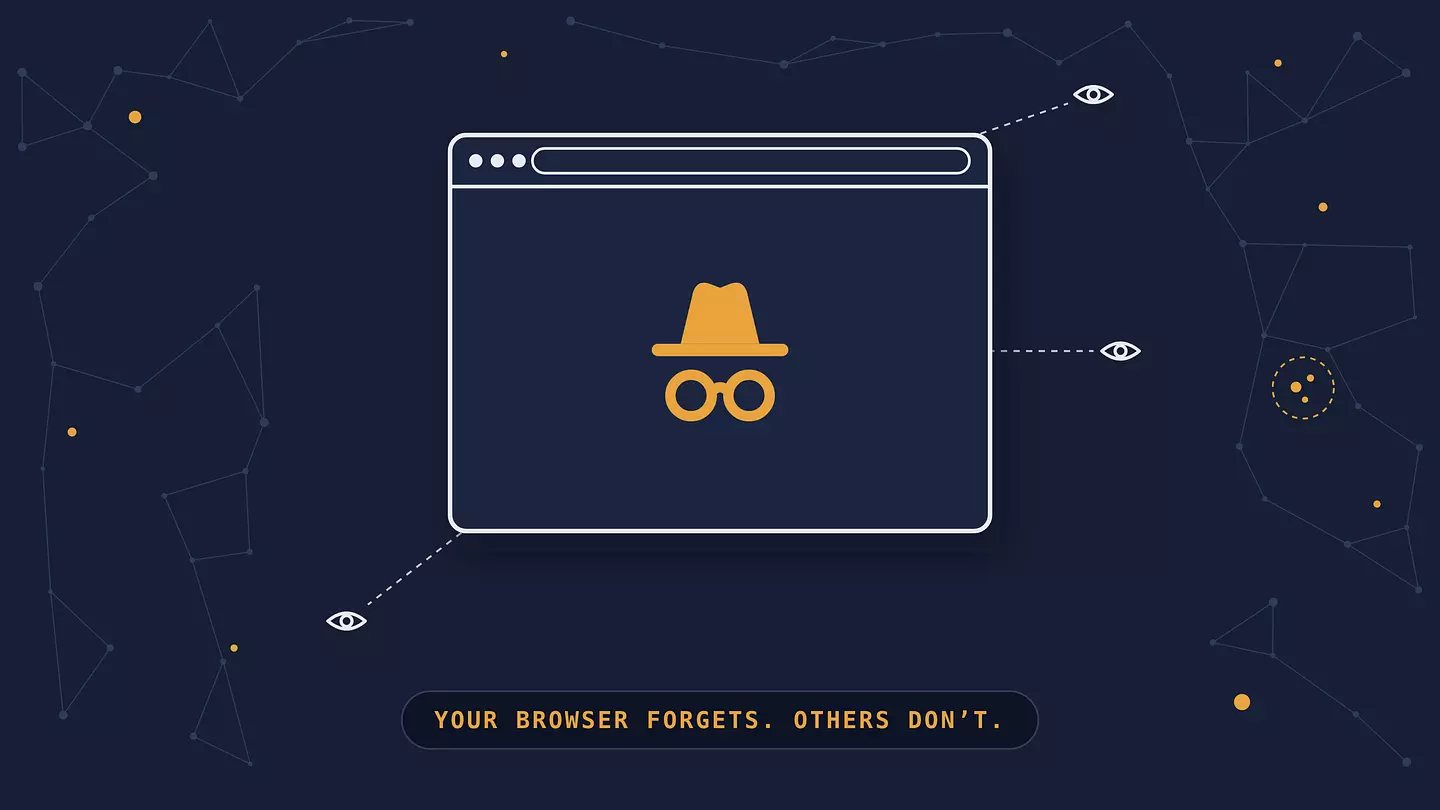
Incognito mode stops your browser from remembering what you did. Once you close the window, the browser doesn't keep that session's history, cookies, or anything you typed into forms. What it doesn't do is hide your activity from anyone else: the sites you visit, your internet provider, the Wi-Fi owner, and your employer or school can all still see much of it.
What is incognito mode?
Incognito mode is a private browsing window that doesn't keep a record of your session on your device.
Every major browser has one under a different name:
Chrome: Incognito
Safari: Private Browsing
Firefox: Private Window
Edge: InPrivate
They all work on the same idea. The browser opens a separate, temporary session, and when you close it, the browser deletes the history, cookies, and other data that session stored, though not your downloads or bookmarks.
It's privacy from other people who use the same device, not from the internet.
What incognito mode does
When you close an incognito window, the browser throws away:
Your browsing history for that session, so the sites won't show up in your history or address bar suggestions.
Cookies and site data, which means you're logged out of everything you signed in to, and sites can't use that session's cookies to recognize you next time.
Anything you typed into forms, like search boxes, names, and addresses.
Temporary files the browser cached to load pages faster.
A few other things happen while the window is open:
You're not signed in to your accounts automatically, so a site sees you as a logged-out visitor.
Extensions are switched off by default in Chrome, Edge, and Firefox unless you allow them.
Some browsers add extra protection. Chrome blocks third-party cookies in incognito by default, Firefox blocks known trackers in private windows, and Safari's Private Browsing limits fingerprinting (recognizing your browser from its settings) and can lock private tabs behind Face ID or your passcode on iPhone.
One detail trips people up: in Chrome, Edge, and Firefox, all incognito tabs and windows share a single session until you close every one of them. If you log in to a site in one incognito tab, you're logged in to it in the others too. Safari is the exception: it keeps each private tab separate.
What incognito mode doesn't do
Incognito mode mostly changes what's stored on your device. Apart from the extra tracker blocking some browsers add, everything that leaves your device travels exactly as it would in a normal window, so anyone along the way sees the same thing.
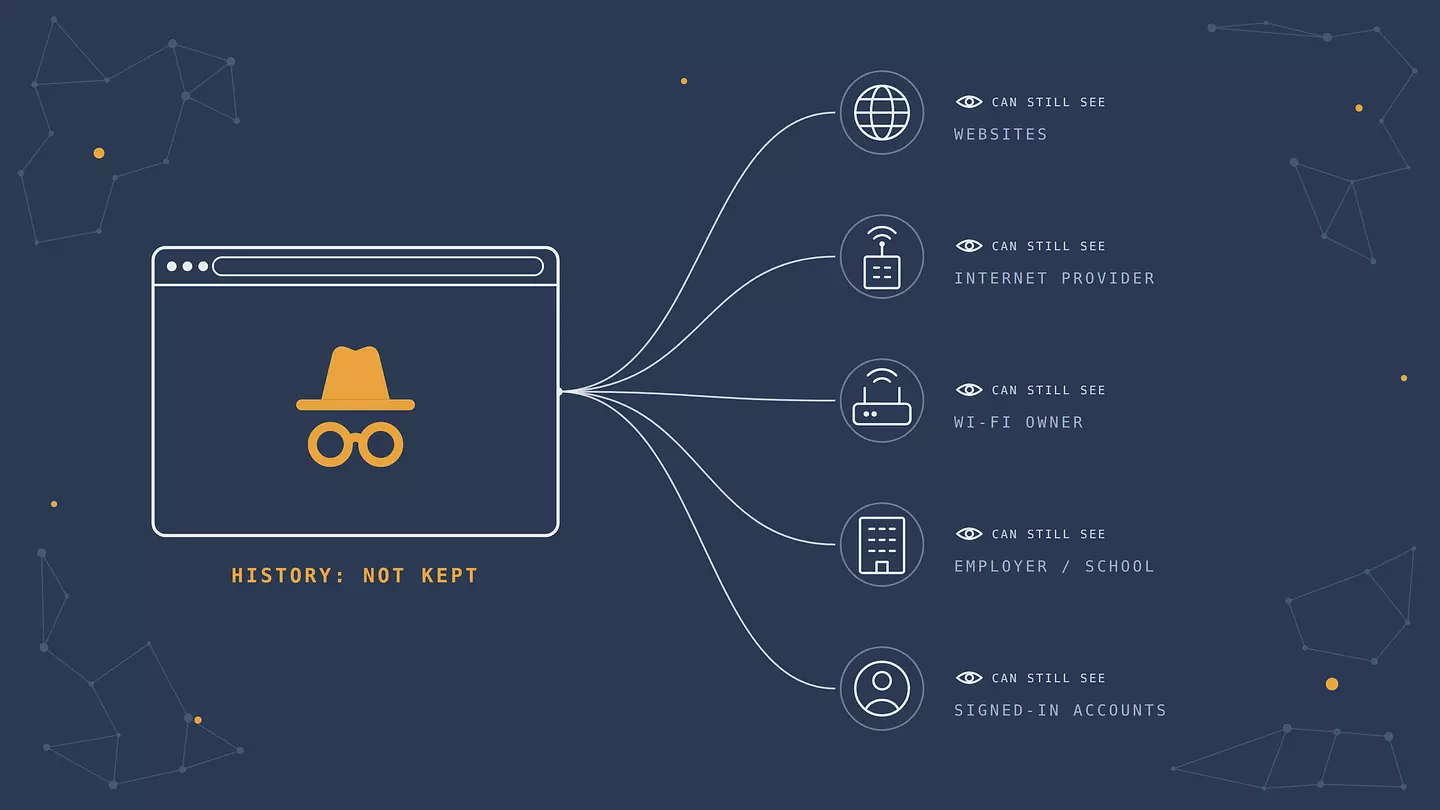
Who | What they can still see in incognito | What would actually hide it |
|---|---|---|
The sites you visit | Your IP address, your approximate location, your device, and everything you do on the site | A VPN hides your IP. Not logging in keeps it separate from your account. |
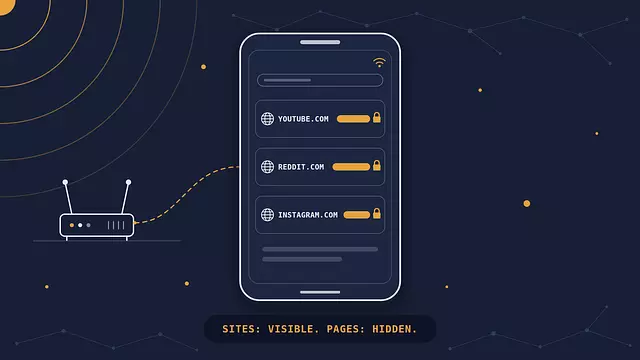
Your internet provider | Usually which sites you visit, plus when and how much data you use | A VPN |
The Wi-Fi owner | Usually which sites you visit, and when | A VPN |
Your employer or school | Which sites you visit on their network, and often much more on a device they manage | Using your own device on your own connection |
Google, or any account you sign in to | Your searches and activity, saved to that account | Staying signed out |
A few leaks happen on the device itself, too:
Downloads stay. A file you download in incognito is saved to your computer like any other.
Bookmarks stay. If you bookmark a page in incognito, it's there in your normal browser afterward.
Traces can linger in the system. Some of the sites you visited can remain for a while in your computer's DNS cache, a list the operating system keeps of recently looked-up site addresses, and someone who knows where to look can read it.
Spyware sees everything. If your device has monitoring software or malware installed, incognito doesn't hide anything from it.
We cover the network side in more detail in our guide to who can see your search history.
Is incognito mode safe?
It's safe to use, but it isn't a security feature. It won't protect you from malware, phishing, or unsafe downloads, and it doesn't add any encryption of its own. HTTPS sites are encrypted exactly as they are in a normal window.
The bigger risk is thinking it does more than it does. In 2024, Google settled a class-action lawsuit claiming it collected data from people browsing in Chrome's incognito mode, a group estimated at about 136 million users. As part of the settlement, Google agreed to delete billions of records and to change how it explains what incognito mode does. The lesson for everyone else: the browser forgetting your session doesn't mean nobody else is keeping a record.
Can incognito mode be tracked?
Yes, by anyone who watches the network or the device rather than your browser history.
Employers and schools may log the sites visited on their network, and on a work or school device they can often see much more through installed management software.
Depending on the router or monitoring app, parents may be able to see the sites visited, incognito or not.
Websites and advertisers can often recognize your browser through fingerprinting, even without cookies, and private mode doesn't reset that fingerprint. They also see your IP address.
Someone with access to your computer can sometimes read the DNS cache or find downloads.
What incognito does stop is the simplest kind of snooping: someone opening your browser afterward and scrolling through your history.
When incognito mode is actually useful
Incognito is the right tool when the person you want privacy from is someone who uses the same device, or when you want a clean, logged-out session.
Using a shared or borrowed computer, like a friend's laptop or a hotel business center. Close the window and nothing is left logged in.
Signing in to a second account, like a work and a personal Gmail, without logging out of the first.
Seeing a site the way a logged-out stranger does, without your history shaping what you're shown.
Shopping for a gift on a shared family computer, so the suggestions don't give it away.
Testing whether a problem with a site is caused by your cookies or extensions.
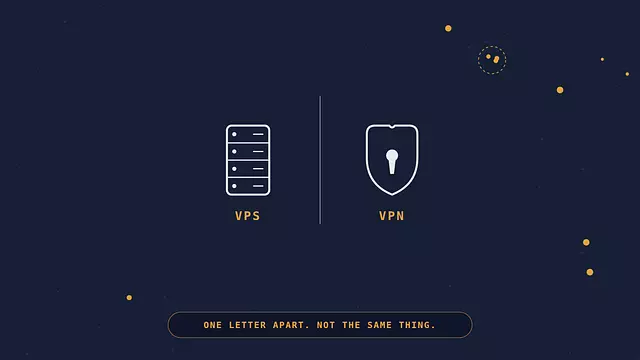
Incognito mode vs. a VPN
They solve different problems, which is why they work well together.
Incognito mode | VPN | |
|---|---|---|
Deletes the session's history and cookies from your device | Yes | No |
Hides your IP address from sites | No | Yes |
Hides the sites you visit from your internet provider and the Wi-Fi owner | No | Yes |
Encrypts traffic between your device and the VPN server | No | Yes |
Stops tracking inside accounts you're signed in to | No | No |
Incognito keeps your device clean. A VPN hides your connection: it replaces your IP address with the VPN server's and encrypts your traffic on the way there, so your internet provider and the local network see only a connection to the VPN. The VPN provider can see which sites you visit instead, so pick one you trust. Our explainer on what a VPN is and what it can do goes into the details. If all you want is a different IP address, our guide to changing your IP address compares the options.
If you use Browsec as a browser extension, there's one setting to check: browsers turn extensions off in private windows unless you allow them. In Chrome or Edge, open the extensions page, click Details next to Browsec, and turn on "Allow in Incognito" (Edge calls it "Allow in InPrivate"). In Firefox, open Browsec's add-on settings and set "Run in Private Windows" to Allow.
Neither one hides what you do while you're signed in to an account. For that, stay signed out. And if you want less tracking in general, our comparison of the types of browsers covers which ones do the most to block tracking.
How to open incognito mode
Chrome: press Ctrl+Shift+N on Windows, or Cmd+Shift+N on Mac. On a phone, tap the three-dot menu and choose "New Incognito tab".
Safari on Mac: press Cmd+Shift+N, or choose File > New Private Window.
Safari on iPhone: tap the tabs button, then swipe to "Private".
Firefox: press Ctrl+Shift+P on Windows, or Cmd+Shift+P on Mac.
Edge: press Ctrl+Shift+N, or choose "New InPrivate window" from the menu.
FAQ
Does incognito mode hide my IP address?
No. Every site you visit sees your public IP address, the same as in a normal window. To hide it, you need a VPN or a proxy.
Can the Wi-Fi owner see my incognito history?
They can't see your browser history, because incognito doesn't keep one. But they can usually see which sites your device connects to while you browse, the same as in a normal window, as long as they're logging traffic.
Are downloads deleted when I close incognito mode?
No. Files you download stay on your device. Only what the browser stored for the session is deleted: history, cookies, form data, and cached files.
Can I see my incognito history later?
Not in the browser's history. Once you close the window, the browser doesn't keep a record of that session. Traces can remain elsewhere, like in your device's DNS cache, in your router's logs, or in any account you were signed in to.
Is incognito mode the same as private browsing?
Yes. Incognito is Chrome's name for it. Safari and Firefox call it private browsing, and Edge calls it InPrivate. They all do essentially the same thing, with small differences in extra protections.
이 글 인용하기
Browsec. "Incognito Mode Hides Less Than You May Think." Browsec Blog, 2026년 10월 16일, https://browsec.com/ko/blog/incognito-mode.